

Set Up A New Personal Workspace
How to set up a new Personal Workspace in the DDx API Console.
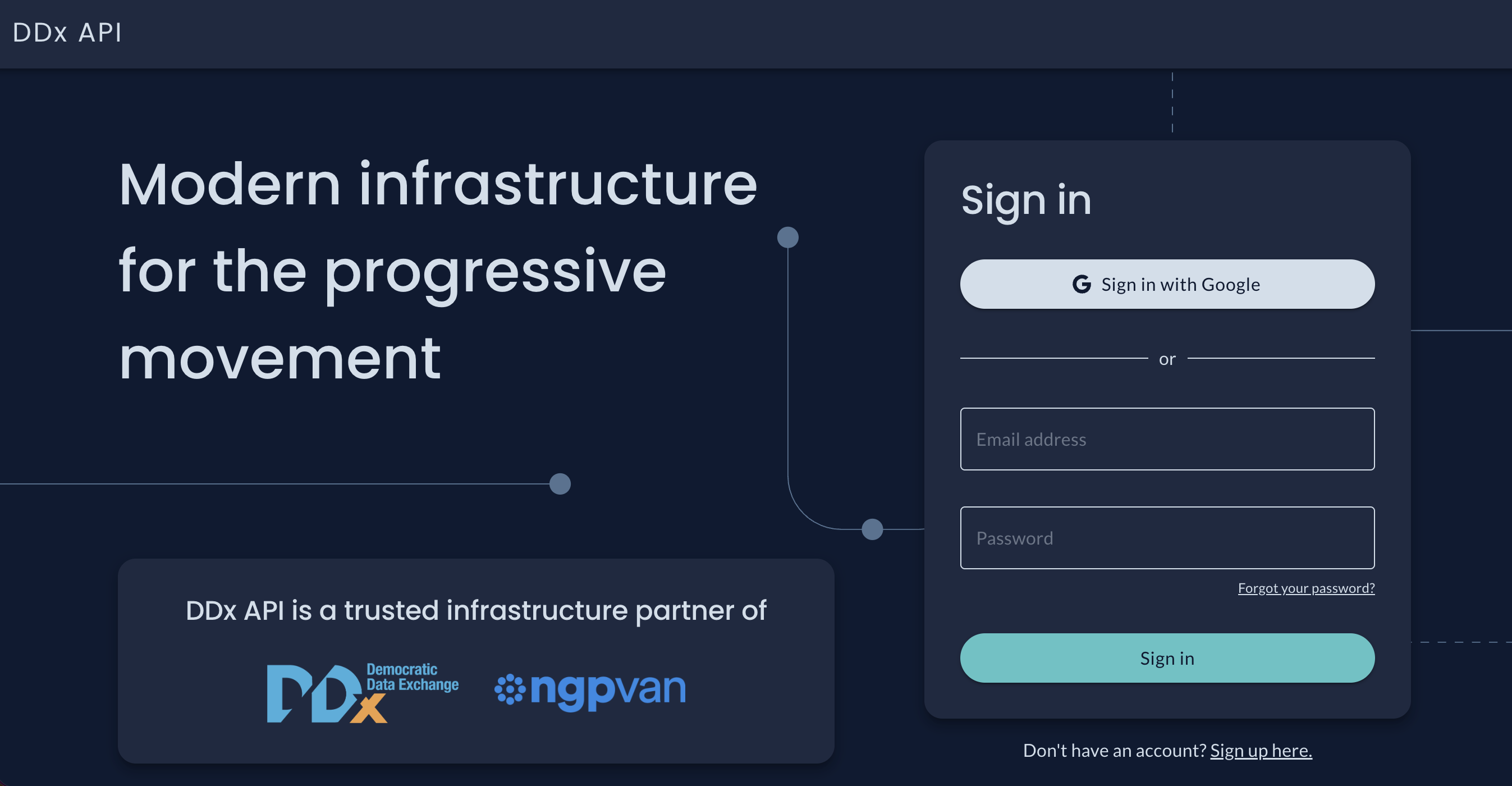
To set up a Personal Workspace, create an account in the DDx API Console at app.movementinfrastructure.org.
Ensure you use the email address and associated information that you use for your work with DDx API Console!
Your Personal Workspace is created the first time you sign in, and you become its Owner once your email address is verified. Until then the Workspace exists but you hold no role in it, so you have no permissions there. If you signed up with an email address and password, confirm the address from the email DDx sends, then sign in again.
Already have a DDx API Personal Workspace and want to upgrade to Organizational Workspace? Reach out to us at [email protected].
Updated about 2 months ago
What’s Next
Did this page help you?